• Transform tool mode needs to be more obvious during active use

    Moved
    10
    3
    2 Votes
    10 Posts
    11k Views
    BoldlineB
    @VectorStyler said in Transform tool mode needs to be more obvious during active use: @Boldline said in Transform tool mode needs to be more obvious during active use: What was the reasoning to move them out? Too many tools. Maybe I am not fully understanding? I would only move the three additional tools circled here in red into the transform tool on the vertical toolbar [image: 1706025999446-2d847b88-bf9f-4671-ac87-bcc2a4c8f8c9-bld-2024-01-23-at-11.06.05.png] Respectfully, most of the tools in the vertical tool bar have more than the three tools that would be in the transform pull-out: [image: 1706025923267-adca0562-a108-4083-88bf-2fb81c9d4d94-bld-2024-01-23-at-11.04.36.png] Not trying to cause an argument, merely trying to understand UPDATE: playing around more with the other options in that section, I can see how they are all related to "transform" and I can see in part why it was moved
  • Actual Size is larger than actual size

    Moved
    8
    1 Votes
    8 Posts
    8k Views
    VectorStylerV
    @DMBrown said in Actual Size is larger than actual size: 5120 x 2880 Yes, this is the same as the iMac. I think there is a bug here somewhere, I will try to fix it ASAP.
  • How do I set the number of digits in the Distance to three?

    Moved
    8
    1
    0 Votes
    8 Posts
    8k Views
    BoldlineB
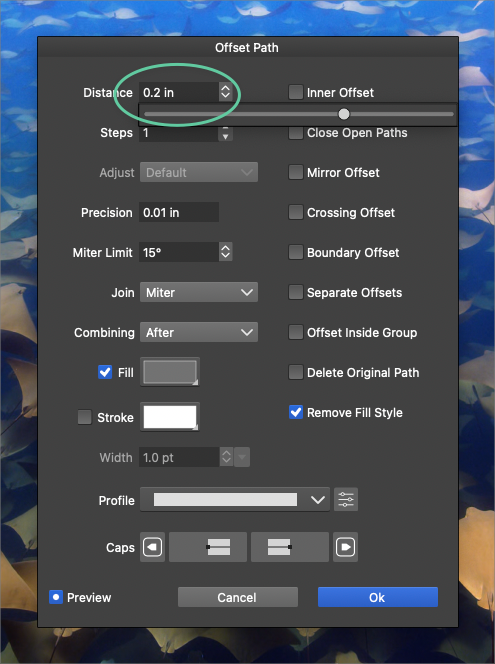
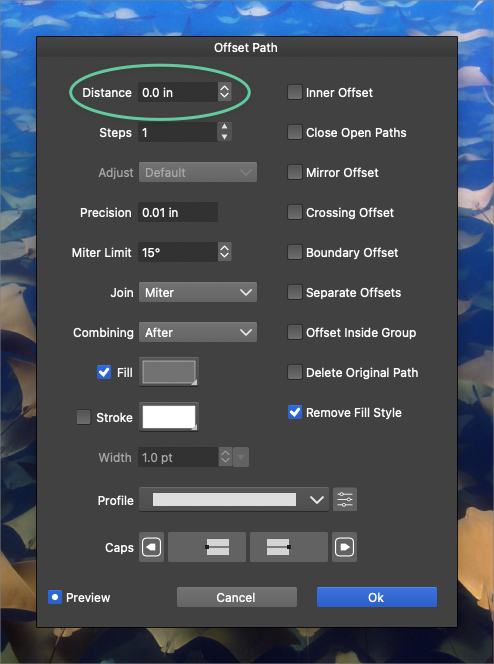
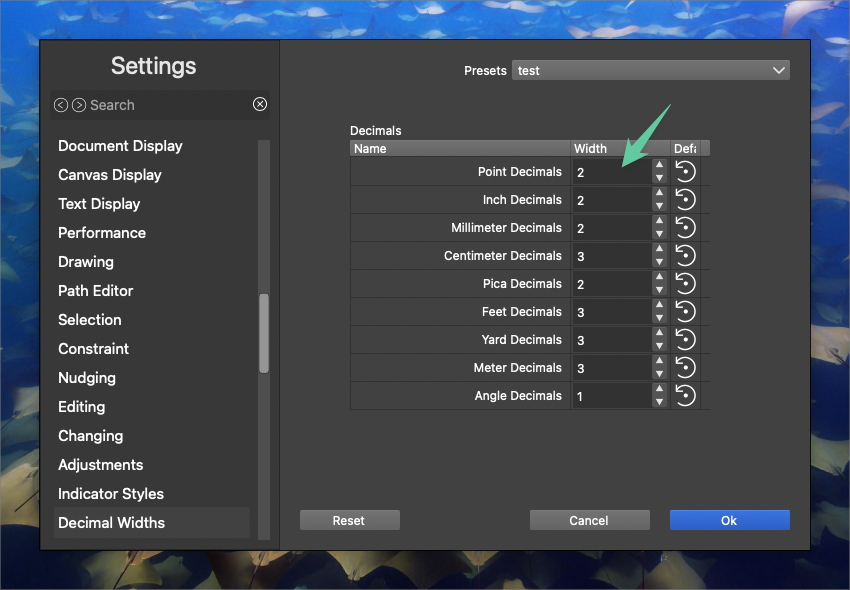
    @VectorStyler said in How do I set the number of digits in the Distance to three?: Here if I set the decimal width of Inches to 3 (or 4) in settings it will display with those number of decimals in the offset path view. This solution does work. I set it to 4 decimals and everything is better. It also improves the slider
  • 0 Votes
    2 Posts
    3k Views
    VectorStylerV
    @Boldline It is a bug and can be replicated here also. As a workaround, remove the "in" part at the end when editing the number.
  • 0 Votes
    2 Posts
    4k Views
    VectorStylerV
    @Boldline Yes, this can be replicated. I opened a bug on this.
  • Artboard Options not restored when document opened

    Moved
    2
    0 Votes
    2 Posts
    3k Views
    VectorStylerV
    @DMBrown Clearly a bug and can be replicated here also. Will be fixed for the next build.
  • How to modify the nodes of an object defined as a shape

    Moved
    7
    2
    0 Votes
    7 Posts
    7k Views
    B
    @VectorStyler During all my various tests, I certainly applied this effect and forgot... thanks
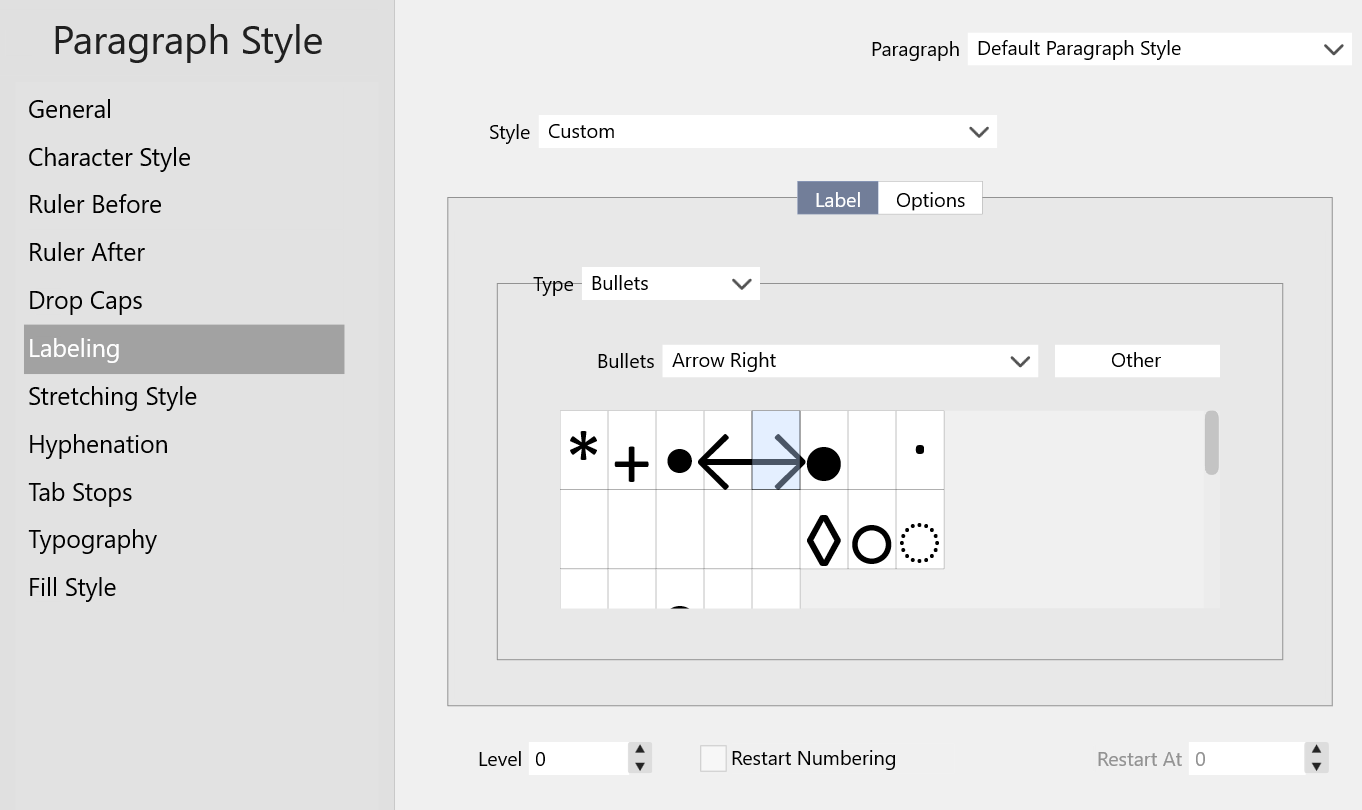
  • Fonts, Arrows, Bullets Cutoff in drop downs

    Moved
    5
    4
    1 Votes
    5 Posts
    6k Views
    Victor VectorV
    @VectorStyler Yes, in Windows 11, Main display is 3840 x 2160, Scaled to "150% (Recommended)". Second display is 2560 X 1440, Scaled to "100% (Recommended)".
  • Issue with stroke width brush

    Moved
    6
    1 Votes
    6 Posts
    7k Views
    L
    @VectorStyler The first issue has been fixed in version 1.2.009, the second issue is still unresolved, as shown in the following images: correct display and incorrect display. [image: 1705569798773-correct-display-resized.jpg] [image: 1705569807277-incorrect-display-resized.jpg]
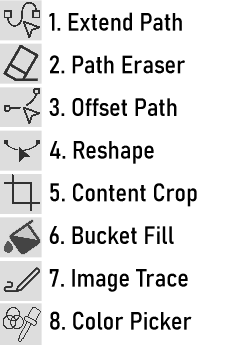
  • The 8 Exciting New Tools

    Moved
    19
    1
    4 Votes
    19 Posts
    16k Views
    L
    @VectorStyler The Reshape tool and the Offset Path Tool have been fixed. thanks
  • There are some issues with the align to shape

    Moved
    13
    0 Votes
    13 Posts
    11k Views
    VectorStylerV
    @Li-Xiao said in There are some issues with the align to shape: Please refer to the video Got it, it uses the original relative positions.
  • The icon of the vector bucket fill tool is drifting

    Moved
    5
    1
    0 Votes
    5 Posts
    6k Views
    L
    @VectorStyler Fixed. thanks This tool is great!
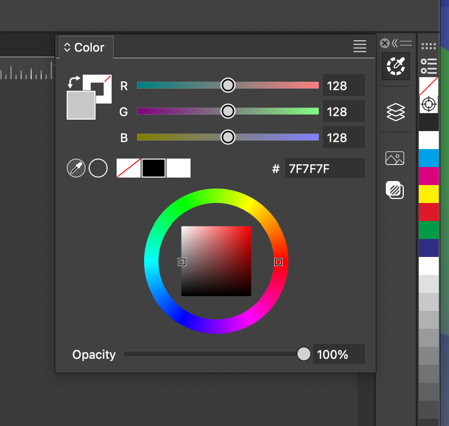
  • Color panel does not auto-collapse when clicked away from

    Moved
    2
    1
    0 Votes
    2 Posts
    3k Views
    VectorStylerV
    @Boldline said in Color panel does not auto-collapse when clicked away from: Is this intentional or just a bug? The iconified panels stay open, until you click on the icon again. This did not change from before.
  • There is an issue with the Shape Corner in Shape Effects

    Moved
    3
    1 Votes
    3 Posts
    4k Views
    L
    @VectorStyler Fixed. thanks
  • The contour color is not working properly

    Moved
    3
    0 Votes
    3 Posts
    3k Views
    L
    @VectorStyler Fixed. thanks
  • The issue with locking the ratio when resizing shapes.

    Moved
    4
    0 Votes
    4 Posts
    6k Views
    L
    @VectorStyler Fixed. thanks
  • The issue with ungrouping after bending

    Moved
    8
    1 Votes
    8 Posts
    8k Views
    L
    @VectorStyler said in The issue with ungrouping after bending: @Li-Xiao Meanwhile I fixed the issue (partially, not yet the crash). It is caused by the use of object clones. Regular duplicated objects show work with bend ungroup. Fixed. thanks
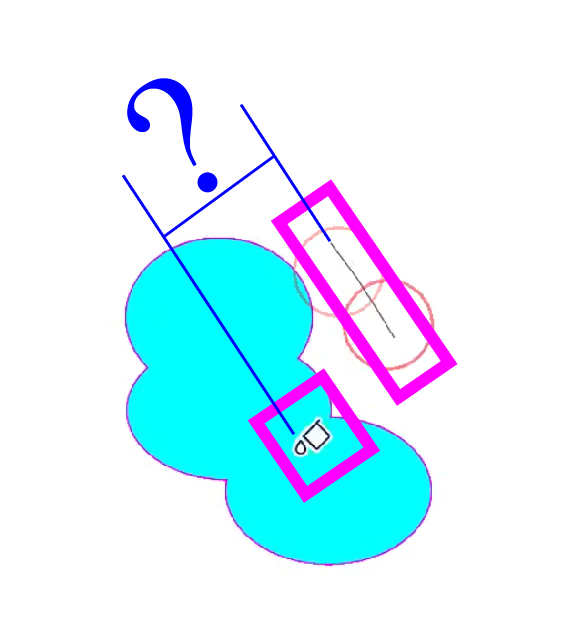
  • There are some issues with the Offset Path

    Moved
    3
    1 Votes
    3 Posts
    4k Views
    L
    @VectorStyler Fixed. thanks
  • There are some issues with the Contour

    Moved
    4
    1 Votes
    4 Posts
    4k Views
    L
    @VectorStyler Fixed. thanks
  • The issue with clicking on text along a path

    Moved
    3
    0 Votes
    3 Posts
    4k Views
    L
    @VectorStyler Fixed. thanks