@VectorStyler said in Adding action to application toolbox crops the first column of icons:
It Could be caused by that single tool group at the bottom
Could be, because after adding second action to this tool group, toolbox isn't cropped anymore
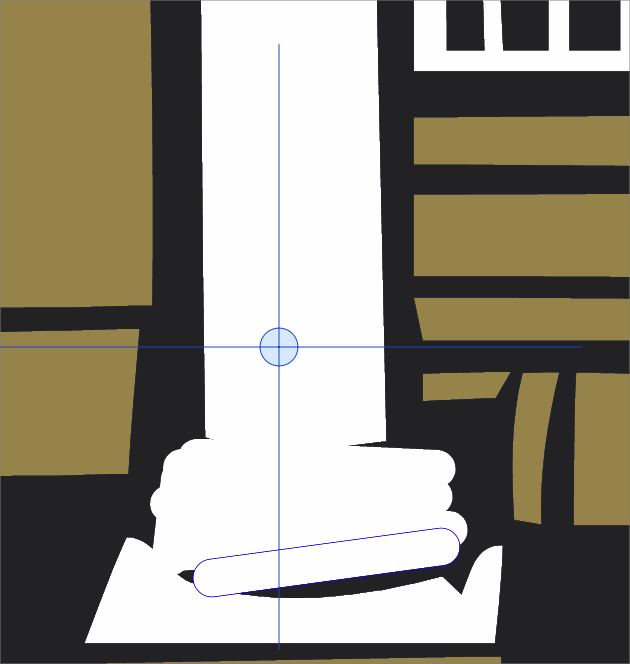
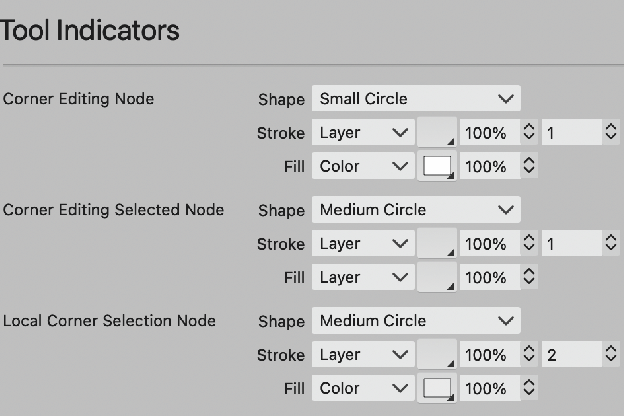
@VectorStyler I didn't mind the crosshairs actually, just didn't want them to extend far beyond the size of the circle. Having it be an empty circle might be ok too
@Boldline Tested, and works here also.
Look into the user settings folder (Help -> Reveal Workspace Folder), if any of the files change after setting a new toolbox and exiting.
Could be some other customization or workspace issue.
@Ayo said in Restored node size in settings:
Still can not set 'Transform Selection Node' node size to small (or large) rectangle. Remains medium.
This is probably a different bug, I will try to find out what causes this.