VectorStyler
    • Categories
    • Unread
    • Recent
    • Tags
    • Popular
    • Register
    • Login
    1. Home
    2. Bugs in VectorStyler
    3. Resolved 1.2 bugs
    Log in to post
    Load new posts
    • Recently Replied
    • Recently Created
    • Most Posts
    • Most Votes
    • Most Views
    • S

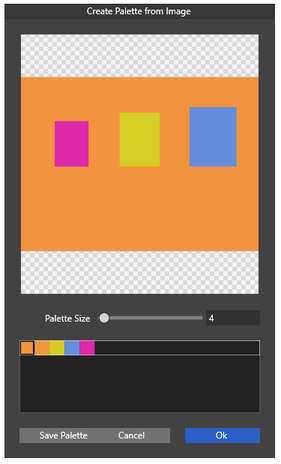
      Palette from image does not work as expected

      Watching Ignoring Scheduled Pinned Locked Moved
      4
      3
      0 Votes
      4 Posts
      4k Views
      S
      @VectorStyler thank you
    • BoldlineB

      Moving text on a path is not easy

      Watching Ignoring Scheduled Pinned Locked Moved
      8
      1
      2 Votes
      8 Posts
      9k Views
      VectorStylerV
      @encart said in Moving text on a path is not easy: I added these issues to the backlog. Is it possible to just drag&drop the text to the other side of the path? By pressing the space key. Is it possible to place a copy of the text on other path by Alt Key + drag&drop? yes, this should work by dragging close to the outline of that path.
    • RaaskotR

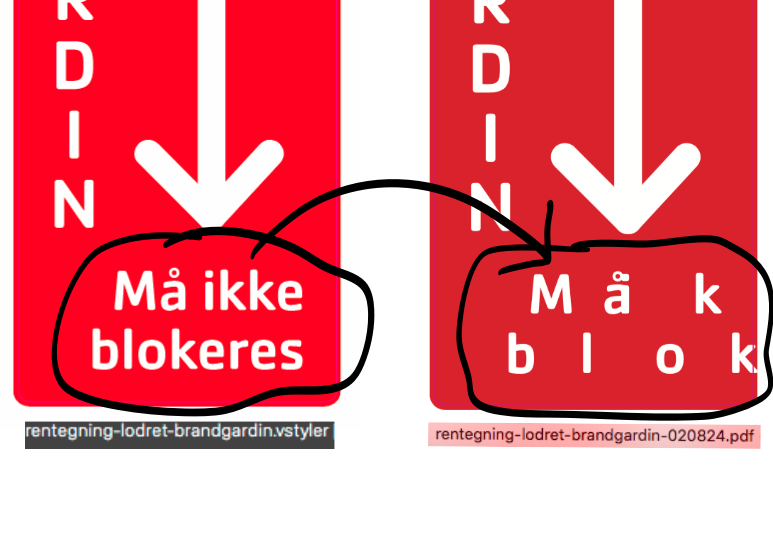
      Pdf exports messed up type

      Watching Ignoring Scheduled Pinned Locked Moved
      5
      1
      1 Votes
      5 Posts
      6k Views
      VectorStylerV
      @Raaskot Interesting, thanks for letting me know. Seems to be a font "option" error when embedding the font into the PDF.
    • debraspicherD

      Unexpected Results when Merging Shapes

      Watching Ignoring Scheduled Pinned Locked Moved
      4
      1
      0 Votes
      4 Posts
      5k Views
      VectorStylerV
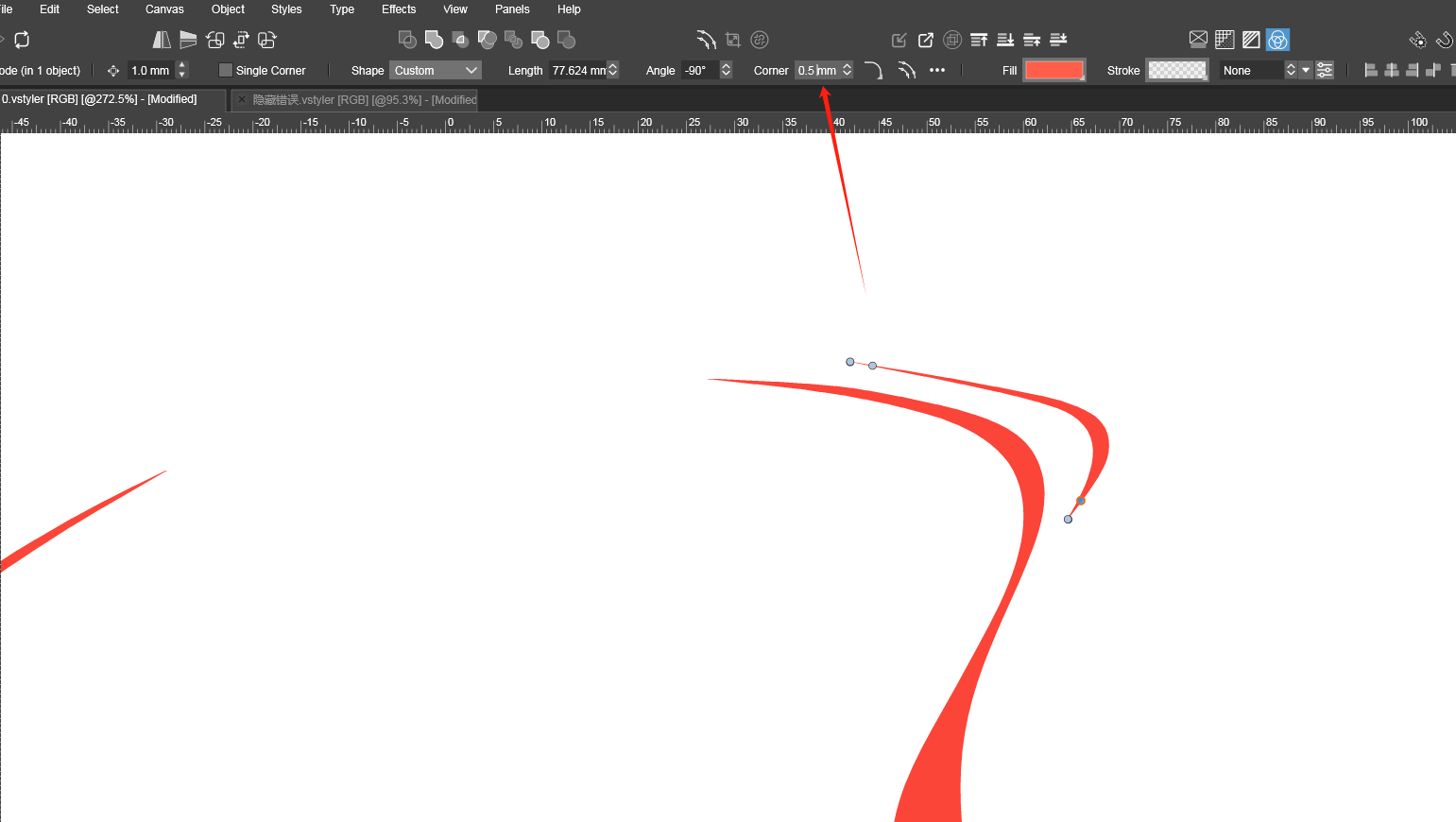
      @debraspicher The retracted handles at the end of the path cause a stroke glitch. The union seems to be correct, but the stroke at that bottom node is wrong. I will try to find a solution for this.
    • BoldlineB

      Live text cannot be erased with command-x and copying with command-c does not work either

      Watching Ignoring Scheduled Pinned Locked Moved
      2
      1 Votes
      2 Posts
      4k Views
      VectorStylerV
      @Boldline I opened a bug on this.
    • BoldlineB

      Object that is set to "lock" still allows opacity change so long as it is still selected

      Watching Ignoring Scheduled Pinned Locked Moved
      2
      1
      1 Votes
      2 Posts
      3k Views
      VectorStylerV
      @Boldline I opened a bug on this.
    • nocturnalYLN

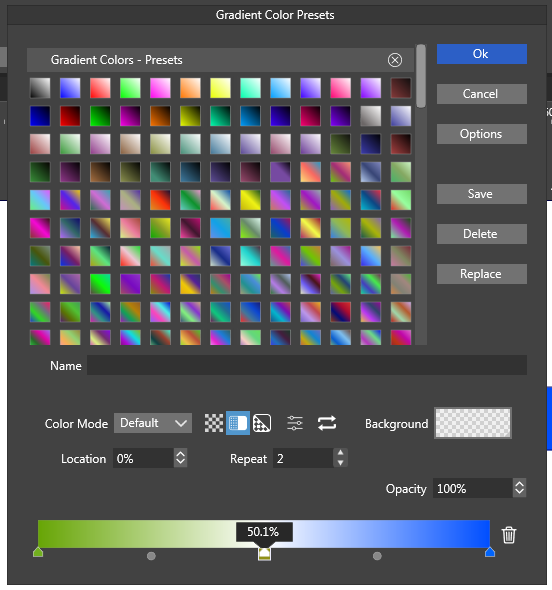
      Gradient Color Presets menu issues

      Watching Ignoring Scheduled Pinned Locked Moved
      4
      1
      1 Votes
      4 Posts
      5k Views
      VectorStylerV
      @nocturnalYL said in Gradient Color Presets menu issues: That means only the 1st point remains applicable I will try to fix this for the next build.
    • S

      SVG Import seems to be broken

      Watching Ignoring Scheduled Pinned Locked Moved
      14
      1
      1 Votes
      14 Posts
      12k Views
      VectorStylerV
      @Ingolf This gradient issue is not yet fixed and it did exist before also. I will try to find a solution for this.
    • M

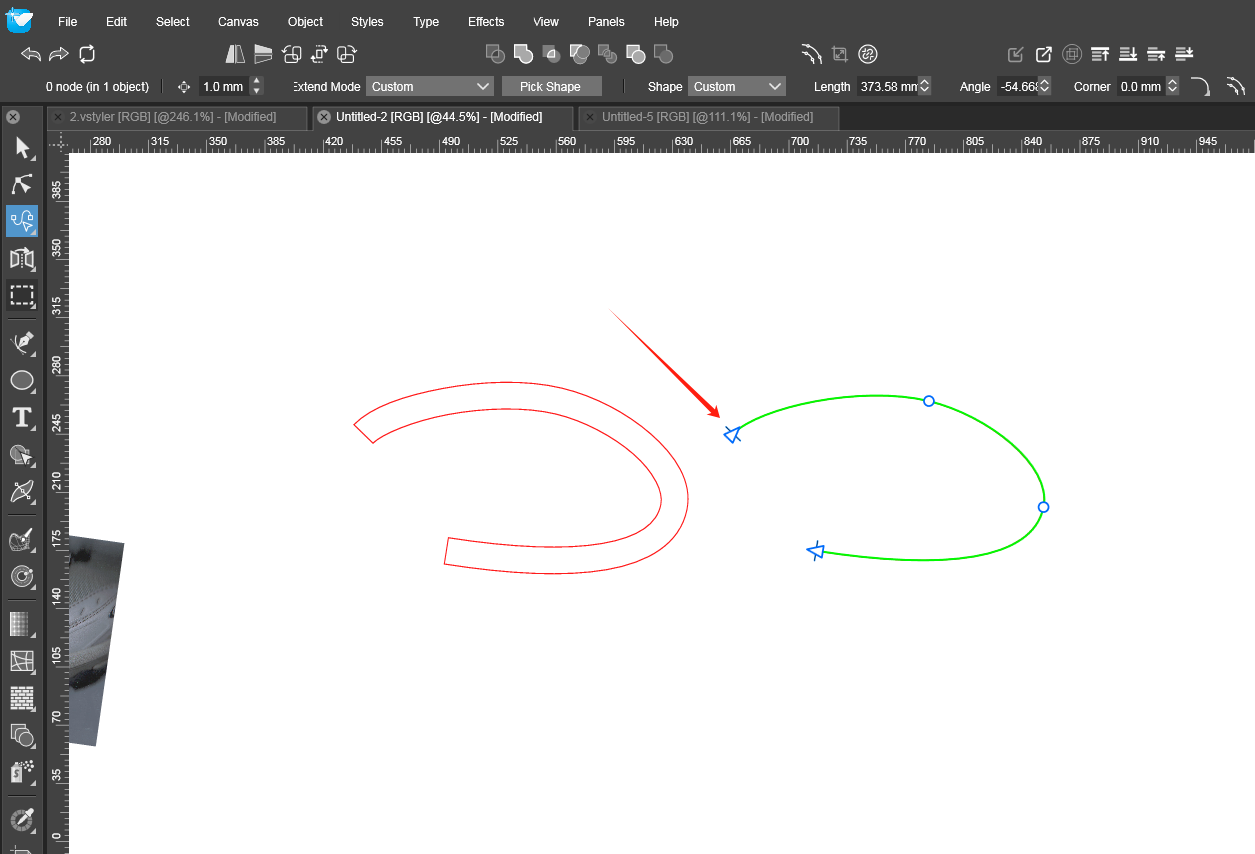
      path extension tool

      Watching Ignoring Scheduled Pinned Locked Moved
      4
      2
      1 Votes
      4 Posts
      5k Views
      M
      @VectorStyler Thank you for the fix.You are so great.
    • BoldlineB

      Stroke size indicator on the screen sometimes gets stuck

      Watching Ignoring Scheduled Pinned Locked Moved
      2
      1
      1 Votes
      2 Posts
      3k Views
      VectorStylerV
      @Boldline I opened a bug on this.
    • M

      Hidden graphics can still be selected by the magic wand tool.

      Watching Ignoring Scheduled Pinned Locked Moved
      8
      1 Votes
      8 Posts
      8k Views
      VectorStylerV
      @monsterfox I will try to replicate this.
    • M

      a bug

      Watching Ignoring Scheduled Pinned Locked Moved
      2
      1
      1 Votes
      2 Posts
      3k Views
      VectorStylerV
      @monsterfox said in a bug: The cursor will still appear in the input field. I will try to find a solution for this. In some cases the editing will remain active after confirmation.
    • BoldlineB

      Deselecting a path made with the path tool does not usually work on first click with command modifier

      Watching Ignoring Scheduled Pinned Locked Moved
      4
      1 Votes
      4 Posts
      5k Views
      VectorStylerV
      @Raven I will try to replicate this, seems to be a bug.
    • AyoA

      Missing?

      Watching Ignoring Scheduled Pinned Locked Moved
      2
      1
      1 Votes
      2 Posts
      3k Views
      VectorStylerV
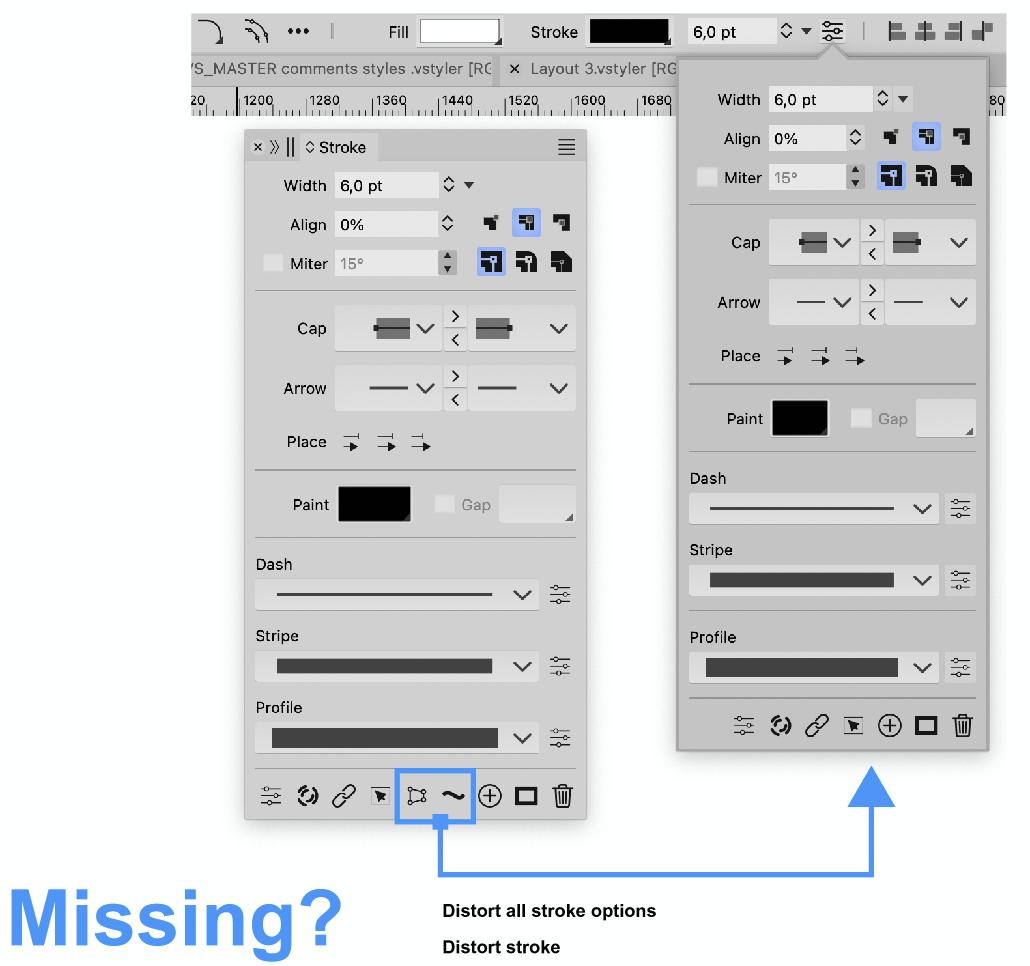
      @Ayo I will add this to the backlog, but I'm not sure yet if it will be changed.
    • BoldlineB

      Node Tool Not Deselecting Objects Immediately when clicking on Artboard

      Watching Ignoring Scheduled Pinned Locked Moved
      4
      2 Votes
      4 Posts
      4k Views
      VectorStylerV
      @Boldline Can be replicate here also.
    • M

      three errors

      Watching Ignoring Scheduled Pinned Locked Moved
      7
      6
      1 Votes
      7 Posts
      8k Views
      M
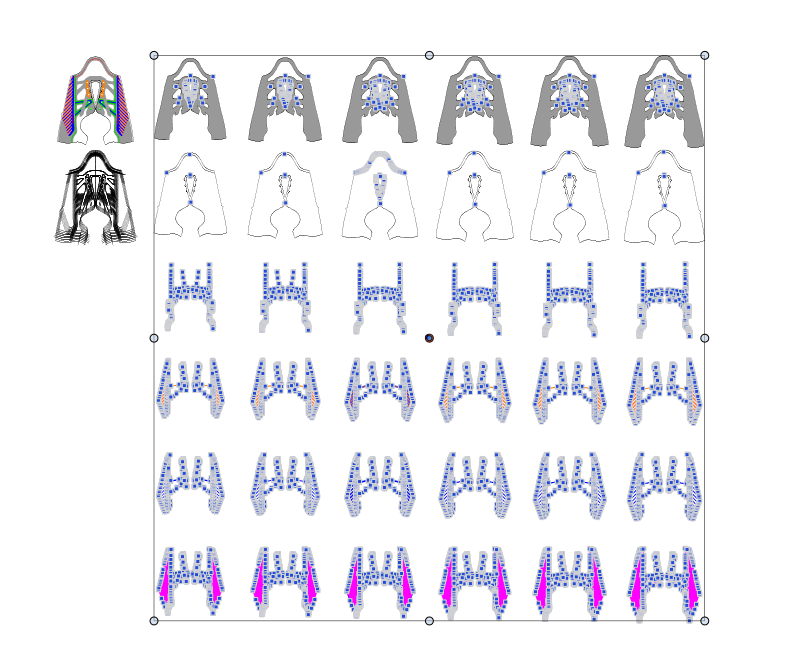
      @VectorStyler Post question 3: At that time, due to the absence of video, you misunderstood. The function of incremental transformation of each has been lost, and it is hoped to restore the function. In addition, there is this checkbox in the transformation panel, but it seems to have no effect. I hope to check it. Thank you.
    • BoldlineB

      Character tool not allowing rotation

      Watching Ignoring Scheduled Pinned Locked Moved
      4
      1
      0 Votes
      4 Posts
      5k Views
      VectorStylerV
      @Boldline Got it, it could be caused by the selection node scaling settings.
    • AyoA

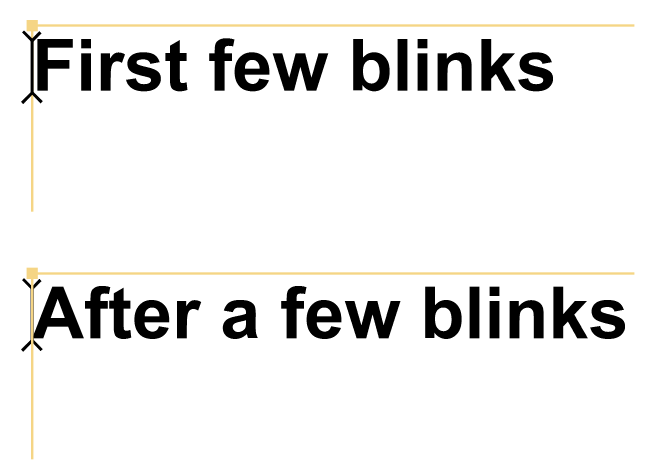
      Show text cursor above text frame almost correct

      Watching Ignoring Scheduled Pinned Locked Moved
      3
      1
      1 Votes
      3 Posts
      3k Views
      BoldlineB
      @Ayo said in Show text cursor above text frame almost correct: In my opinion, default blinking speed could be a little tiny bit faster? Get a sluggish feeling... I agree with this, the speed should be increased some
    • J

      Color and other palette inconsistencies with macos workspaces

      Watching Ignoring Scheduled Pinned Locked Moved
      9
      2 Votes
      9 Posts
      10k Views
      VectorStylerV
      @jpsimmons The screenshot was not uploaded for some reason. Please do a clean install of VS (including removing the user files from the Help -> Reveal Workspace folder).
    • BoldlineB

      Does VS necessarily have to close open unsaved files to be able to check for an build update?

      Watching Ignoring Scheduled Pinned Locked Moved
      4
      1
      1 Votes
      4 Posts
      6k Views
      VectorStylerV
      @Boldline I will try doing that. I think the problem was with the type of exit used by the Sparkle updater, I have to check that.