• 0 Votes
    14 Posts
    12k Views
    VectorStylerV
    @Boldline There is now a new shape selection action: Object -> Shape -> Select Shape. It will select the shape from the first selected object on the other selected objects.
  • Font preview

    4
    1
    2 Votes
    4 Posts
    4k Views
    J
    @vectoradmin said in Font preview: The previews should be visible now, maybe the alignment can be improved. Yes, preview is visible. Some alignment need to improved.
  • Auto on-off right click option for layers panel?

    4
    1 Votes
    4 Posts
    4k Views
    VectorStylerV
    @Boldline In the Layers panel: Control+ click on the "visible" icon will change visibility for all objects inside the clicked one, same for the Lock. Shift+click will change for all at the same level.
  • Perform multiple autonomous tasks as one step

    14
    1
    0 Votes
    14 Posts
    12k Views
    VectorStylerV
    @encart Proportional lock for resizing using the Alignment panel Align Size options is available in the panel menu.
  • Google Docs type option for all of us to cumulatively add notes?

    10
    1 Votes
    10 Posts
    9k Views
    J
    @b77 @Boldline For this specific case I would suggest OneNote. Its is like a book where you have chapter and pages. In the image below you can see the markings: 3. Like books Like topic or chapter Like pages [image: 1647781541596-screenshot-2022-03-20-182355-resized.png]
  • Shape, Object - Terminology Clarification

    4
    1 Votes
    4 Posts
    5k Views
    Victor VectorV
    @vectoradmin This is awesome! There is a lot to unpack here so I will save questions until I have a chance to thoroughly go through this. Thank you for taking the time to document it. @b77 Your explanation was a great primer to the subject. Thank you as well.
  • Skew while in transform tool

    7
    0 Votes
    7 Posts
    7k Views
    VectorStylerV
    @Jayanta-Das said in Skew while in transform tool: Is there any option in preference to enable skew in transform tool. Like this in this recording In default mode, when hovering slightly outside of the nodes at the center of the edges, the cursor turns into "skew" mode
  • "Selective" selection highlighted nodes inconsistent in my opinion

    4
    1
    0 Votes
    4 Posts
    4k Views
    VectorStylerV
    @Boldline Got it. For some complex (or composite) shapes, only the first node is shown to avoid rendering too many nodes.
  • Warp - Arc (Multi line text) not warping correctly

    5
    0 Votes
    5 Posts
    6k Views
    F
    Figured it out: Arching Warp is the way to go. That way I can control the warp (even multi-line) top and bottom. Arching lower is behaving as expected and only warping the lower of two lines, which isn't what I'm trying to do.
  • This topic is deleted!

    1
    1
    0 Votes
    1 Posts
    2 Views
    No one has replied
  • Simple Clip with Stroke included

    8
    1
    0 Votes
    8 Posts
    7k Views
    Victor VectorV
    @vectoradmin I appreciate you taking the time to provide another way to tackle this, as it might come in handy for the future, and it helps me learn the nuances of VectorStyler. Thank you being so responsive to the community!
  • Symbol overrides.. what's the point? ( accumulated )

    9
    0 Votes
    9 Posts
    8k Views
    N
    @vectoradmin I see, will do.
  • Ability to attach videos?

    2
    0 Votes
    2 Posts
    3k Views
    VectorStylerV
    @Arde Only linking to videos is allowed for now. In general uploading videos is disabled. But you can link to videos.
  • Starting node options

    7
    2
    1 Votes
    7 Posts
    7k Views
    b77B
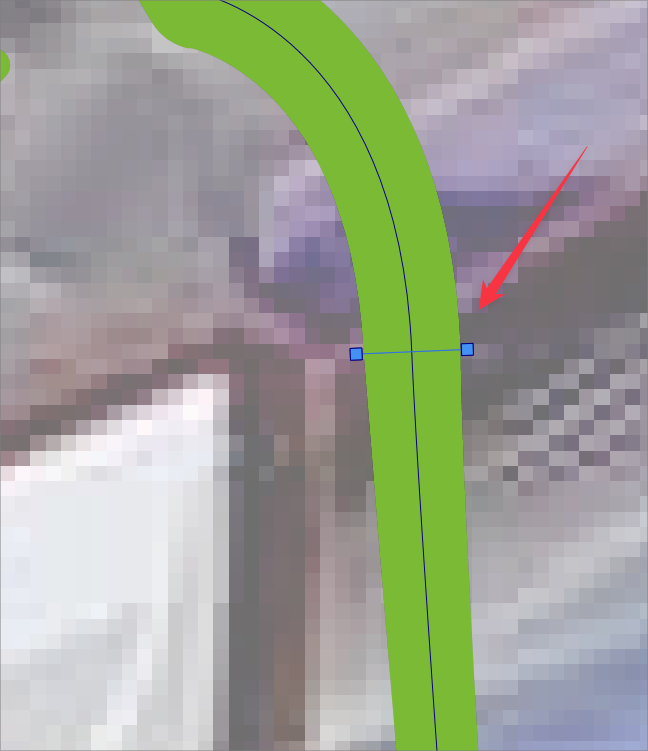
    @Boldline It's not about the direction of the segment here, as I also prefer the variant in the second image and hope it gets changed to that. What I mean is BΓ©zier control handles retracted under the node are bad β€” no two points should share the same coordinates IMO. You have less control over the segment with only one control handle β€” having both control handles available is more flexible. (Last time I checked, Illustrator lets you draw curve segments with only one control handle for a curved segment. But what Illustrator really does is hide the second control handle under one of the nodes).
  • Customizing workspace

    5
    1
    2 Votes
    5 Posts
    5k Views
    BoldlineB
    The improvements I assume@vectorstyler will be making at some point to the organization of panels is something I'm excited about. What we're discussing here is similar to other discussions about alternative default panel layouts, the ability to save custom panel layouts, to hide all panels, to minimize down the panels to symbols, etc. When I'm working on projects in vectorstyler, it's very common for the panels to get disorganized from use. The ability to have them be quickly reset to a clean arrangement is a huge thing to me.
  • VS Vimeo video channel is not publicly available

    3
    1
    0 Votes
    3 Posts
    3k Views
    S
    @vectoradmin Great, works now. But on Page 1 the "Elastic Warp" Video shows an "Unhandled video privacy" Message.
  • Color pallete bar scroll

    3
    0 Votes
    3 Posts
    3k Views
    J
    @vectoradmin Default tool tip delay setting was 1 sec. After lowering the value to 0.5 sec its better now but I still feel it shows faster with mouse.
  • Document Structure

    4
    2
    0 Votes
    4 Posts
    5k Views
    VectorStylerV
    @861475_VctSt said in Document Structure: Is this correct? That part is a bug. The first Artboard (just under Artwork Canvas) should not exists in a default document. I will fix this. (this also causes a printing issue).
  • 0 Votes
    2 Posts
    3k Views
    VectorStylerV
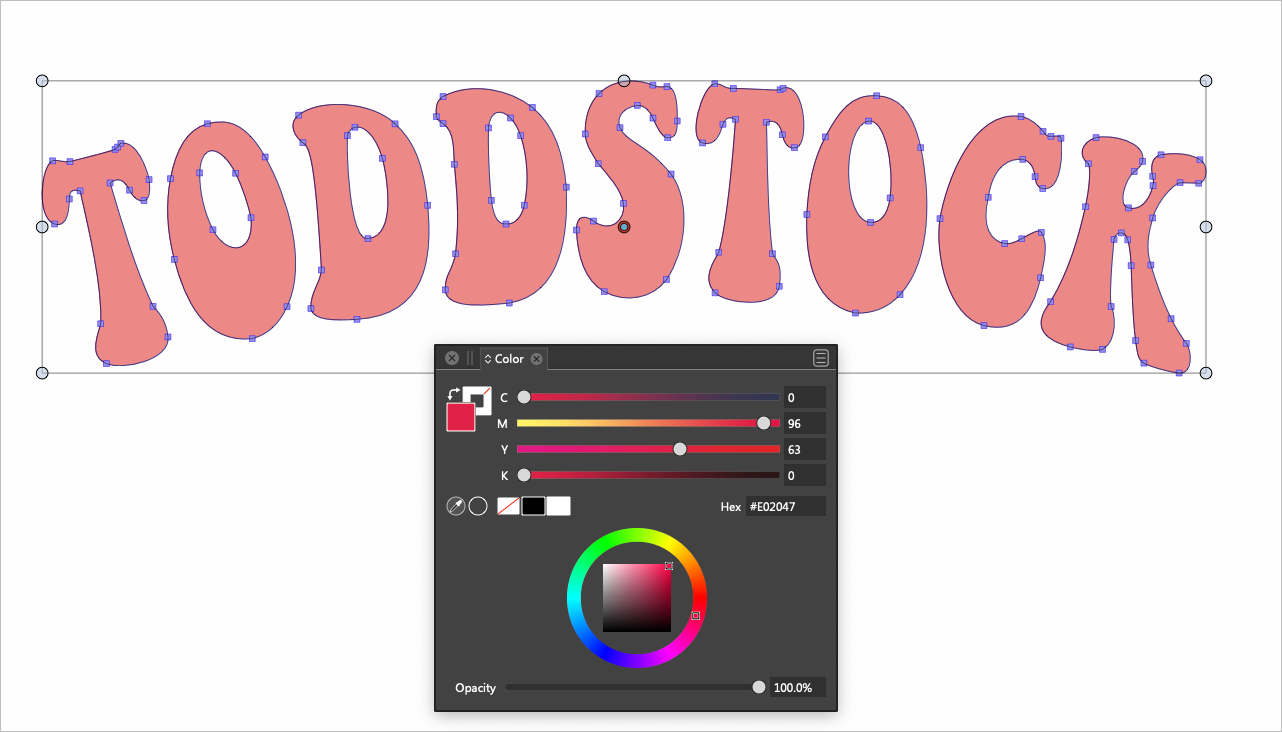
    @Boldline After selecting the whole thing, group it. When scaling separately, the path is scaled and then the text is aligned to the new path.
  • 0 Votes
    2 Posts
    4k Views
    VectorStylerV
    @Boldline When the Layers panel is active (last mouse click was on the panel), the Command+C/V/X shortcuts have a different function. By default they can be used to copy / paste the names of the highlighted objects / layers (multiple names can be pasted at once). The panel options view contains the "Objects Pasteboard" checkbox, and when enabled, will copy / paste the objects (not the name). But will do so with the highlighted objects (not the ones selected with the circle). To copy the ones selected using the small circle, click on the document window title area first to have it receive the shortcut presses (or just select Edit -> Copy).