VectorStyler
    • Categories
    • Unread
    • Recent
    • Tags
    • Popular
    • Register
    • Login
    1. Home
    2. Popular
    Log in to post
    • All Time
    • Day
    • Week
    • Month
    • All Topics
    • New Topics
    • Watched Topics
    • Unreplied Topics

    • All categories
    • N

      Copying a symbol reference breaks the link ( accumulated )

      Watching Ignoring Scheduled Pinned Locked Moved Resolved Issues
      19
      0 Votes
      19 Posts
      17k Views
      N
      @vectoradmin Ok. Yes, quite the mystery it is.
    • N

      Applying styled group ( accumulated )

      Watching Ignoring Scheduled Pinned Locked Moved Features and Ideas
      19
      1 Votes
      19 Posts
      23k Views
      VectorStylerV
      @Nils said in Applying styled group: Or should I not overvalue that and just apply separation as I see fit ( everything clone related into one, everything symbol related into another, etc. .. )? Yes.
    • IgullI

      Delete Path Segment

      Watching Ignoring Scheduled Pinned Locked Moved Features and Ideas
      19
      2 Votes
      19 Posts
      15k Views
      IgullI
      @b77 said in Delete Path Segment: But I would go with it anyway, and think of a way to add the segment highlight later. That's exactly my thinking too Neil
    • BoldlineB

      How to set pencil to use the fill option only instead of stroke and fill?

      Watching Ignoring Scheduled Pinned Locked Moved Questions and Support
      19
      1 Votes
      19 Posts
      17k Views
      BoldlineB
      @b77 said in How to set pencil to use the fill option only instead of stroke and fill?: @Subpath Yes, I think this is normal, feels "natural" and makes sense — if you want to add to a shape you won't start deep inside that shape and won't extend the path too deep inside it again. You will instead start close to the "boundary" of the shape and end back close inside the boundary. Yes - and if you wanted an encapsulated negative space cut out of a shape, it would makes sense to close that path
    • S

      Lost background canvas of program

      Watching Ignoring Scheduled Pinned Locked Moved Resolved Issues
      19
      1
      0 Votes
      19 Posts
      18k Views
      S
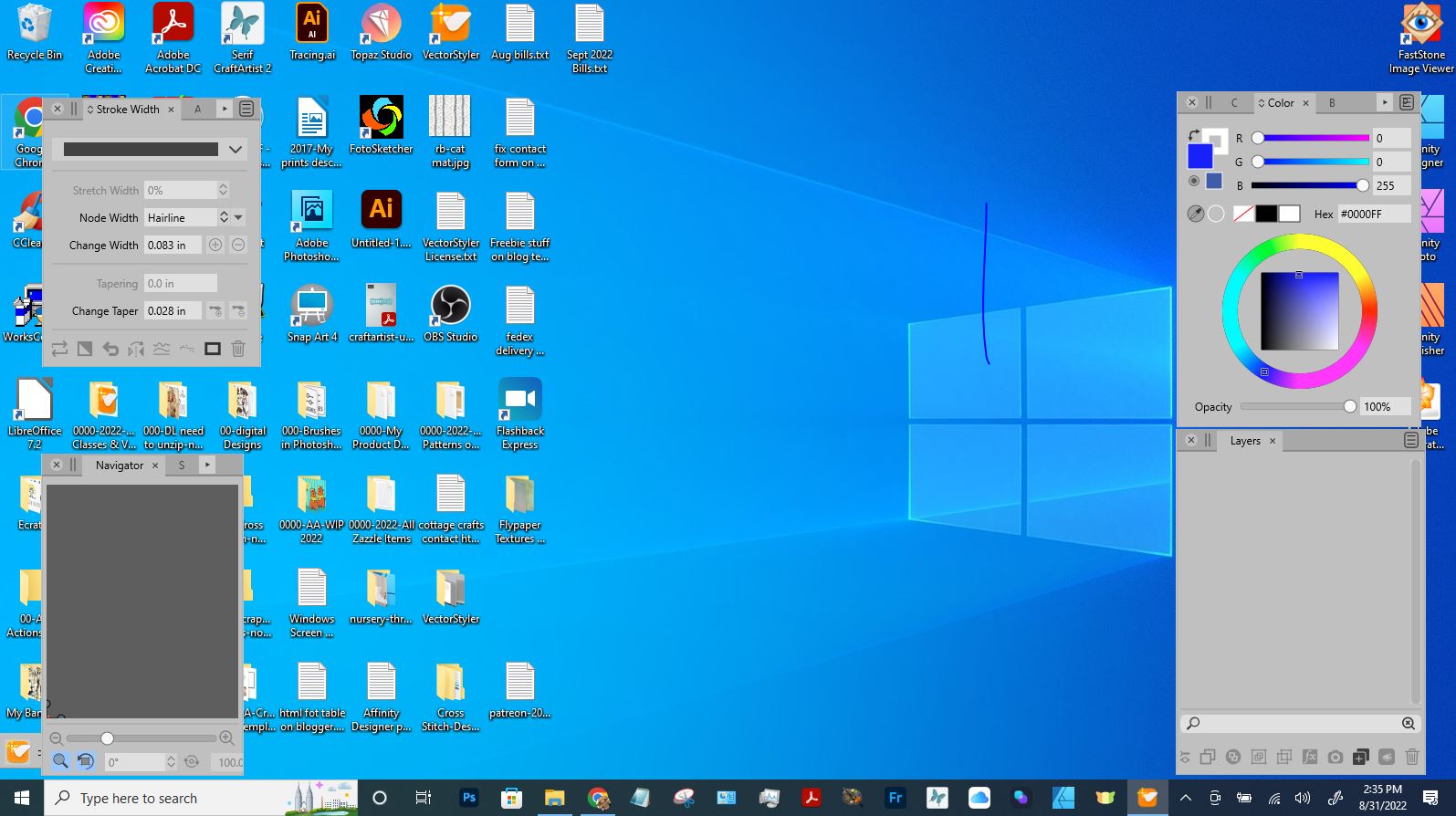
      Yes i found it. Yesterday the Navigator panel was covering the critical part. I've resized it and now have my program background. Thank you so much!
    • IgullI

      Is Grouping broken ?

      Watching Ignoring Scheduled Pinned Locked Moved Questions and Support
      19
      0 Votes
      19 Posts
      15k Views
      debraspicherD
      @VectorStyler Yes double click for isolation is working.
    • BoldlineB

      Sometimes live preview is not handy lol

      Watching Ignoring Scheduled Pinned Locked Moved General Discussion
      19
      2
      1 Votes
      19 Posts
      19k Views
      S
      @Boldline @b77 has already explained it correctly what i meant. Of course, it would be nice if you could specify the number of objects from which no live preview would be displayed. One thing that came to my mind about the delay solution was that with this solution would affect every boolean operation. No matter how many objects are used for it. I also see the possibility to link the delay to the number of objects.
    • B

      Rendering artifacts with VS

      Watching Ignoring Scheduled Pinned Locked Moved Questions and Support
      19
      3
      0 Votes
      19 Posts
      15k Views
      VectorStylerV
      @Harry Can be replicated.
    • H

      Seamless pattern generator

      Watching Ignoring Scheduled Pinned Locked Moved Features and Ideas
      19
      1 Votes
      19 Posts
      17k Views
      S
      @Harry The Tutorial is online, you found it in the Tutorial Section. Here the LInk https://www.vectorstyler.com/forum/topic/2801/how-to-create-pattern-fills-with-clipped-shapes
    • BonesB

      Performance issues with vector editing

      Watching Ignoring Scheduled Pinned Locked Moved Questions and Support performance
      19
      3
      4 Votes
      19 Posts
      23k Views
      VectorStylerV
      @Bones Anti-aliasing can be turned off using View -> Subpixel -> None. But it has only a small impact on redraw performance. At what zoom level was this slowdown observed? and is it with the AI import or the SVG (results are different). As for the AI file: some features are not (yet) supported, there will be improvement in the future.
    • B

      Impossible to reuse an old file with .078

      Watching Ignoring Scheduled Pinned Locked Moved VectorStyler 1.1 Bugs
      19
      1
      0 Votes
      19 Posts
      15k Views
      B
      @b77 I could replace the file with yours and copying in VS is working fine Thanks.
    • J

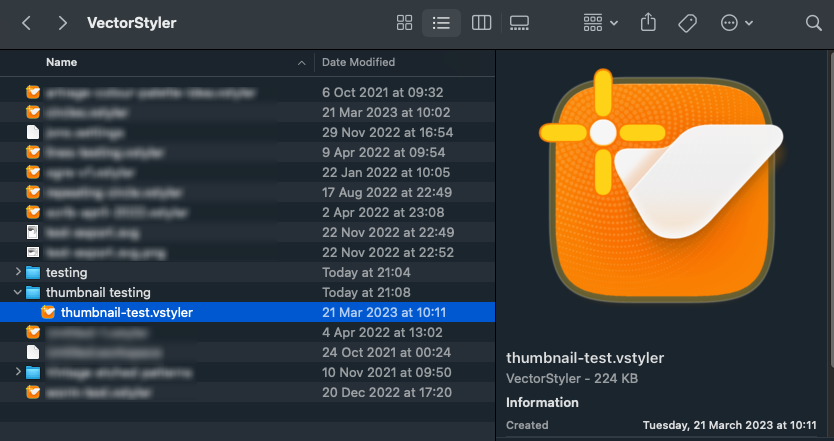
      File preview and thumbnails in Mac Finder

      Watching Ignoring Scheduled Pinned Locked Moved VectorStyler 1.1 Bugs
      19
      2
      1 Votes
      19 Posts
      25k Views
      VectorStylerV
      @JuurGroove Yes, previews are known issue.
    • AyoA

      Some recommendations for the default (factory) settings

      Watching Ignoring Scheduled Pinned Locked Moved Features and Ideas
      19
      5 Votes
      19 Posts
      16k Views
      VectorStylerV
      @Ayo said in Some recommendations for the default (factory) settings: So therefore a few non-binding recommendations for the default (factory) settings I added this to the backlog.
    • 861475_VctSt8

      Can I use them together?

      Watching Ignoring Scheduled Pinned Locked Moved VectorStyler 1.2 beta
      19
      0 Votes
      19 Posts
      18k Views
      861475_VctSt8
      @VectorStyler ver. 1.1.111 & ver. 1.2.002 Intel Mac I have been using the software for several days. Both the production version 1.1.111 and beta version 1.2.002 are stable. In my small business, simultaneous launches are also stable.
    • AyoA

      How to assign a blend

      Watching Ignoring Scheduled Pinned Locked Moved Questions and Support
      19
      1
      0 Votes
      19 Posts
      16k Views
      AyoA
      @b77 Very clear and beautiful! but there are more groups than Blend Mode on the menu
    • AyoA

      How to clear selection while in Node Tool mode?

      Watching Ignoring Scheduled Pinned Locked Moved Questions and Support
      19
      0 Votes
      19 Posts
      15k Views
      VectorStylerV
      @b77 said in How to clear selection while in Node Tool mode?: @VectorStyler I would include this among the default node editing shortcuts, for former CDR users. Will be added.
    • I

      duplicate object lag & snap indicators invisible

      Watching Ignoring Scheduled Pinned Locked Moved VectorStyler 1.1 Bugs
      19
      1
      1 Votes
      19 Posts
      18k Views
      VectorStylerV
      @Iriseg524 You should have a new license now.
    • Victor VectorV

      The 8 Exciting New Tools

      Watching Ignoring Scheduled Pinned Locked Moved VectorStyler 1.2 beta
      19
      1
      4 Votes
      19 Posts
      16k Views
      L
      @VectorStyler The Reshape tool and the Offset Path Tool have been fixed. thanks
    • visualrevoltV

      New VS logo and splash screen concepts

      Watching Ignoring Scheduled Pinned Locked Moved Features and Ideas
      19
      7
      5 Votes
      19 Posts
      17k Views
      VectorStylerV
      Lets close this discussion for now.
    • C

      Pressure sensitive brush tool using a Wacom tablet?

      Watching Ignoring Scheduled Pinned Locked Moved Questions and Support
      19
      1 Votes
      19 Posts
      20k Views
      VectorStylerV
      @creative said in Pressure sensitive brush tool using a Wacom tablet?: More something like the pressure curve in Procreate on iPad. I will add this.