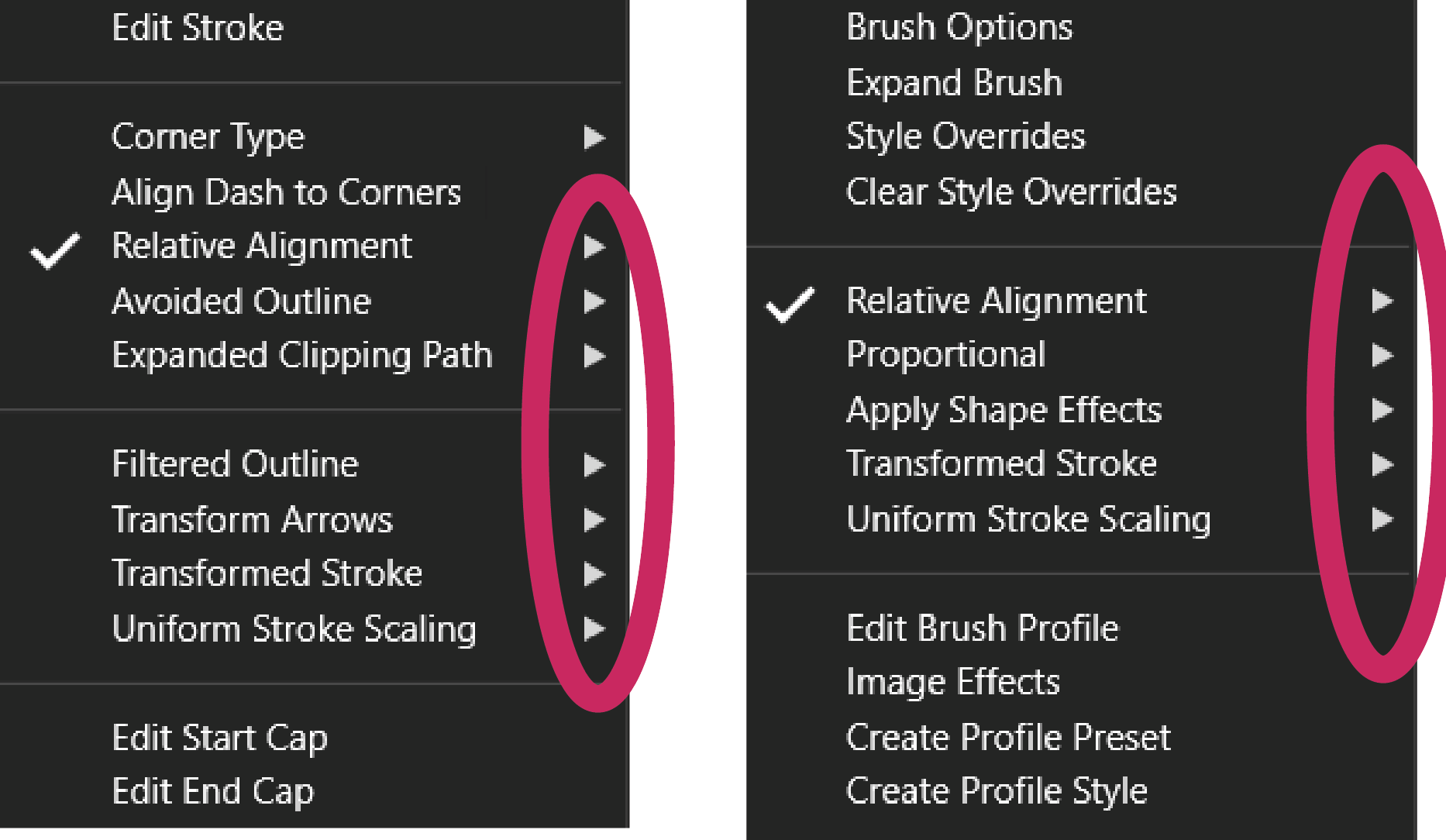
• two Buttons in layer panel are too similar

    Moved
    2
    2
    1 Votes
    2 Posts
    3k Views
    VectorStylerV
    @Boldline I added this to the backlog.
  • Was the transform panel removed?

    Moved
    4
    1 Votes
    4 Posts
    4k Views
    VectorStylerV
    @Boldline said in Was the transform panel removed?: If I wanted to add it back in again at the top, would that be in the contextual menu bar or can we also alter the very top menu bar area? This can be edited with the Customize Toolboxes command and in Toolbox select the "Context Panel" mode.
  • Stable font for Typotesting

    Moved
    10
    0 Votes
    10 Posts
    9k Views
    AyoA
    @VectorStyler Now you beat me! I ask you an inch, and you go 3 inches. I will be coming back to this later.
  • Paste Text Bug

    Moved
    8
    0 Votes
    8 Posts
    7k Views
    VectorStylerV
    @Ayo If it crashes with this again, back up the resources folder. It might be some settings causing this.
  • Split Object Shape on gradients - a bug?

    Moved
    2
    2
    0 Votes
    2 Posts
    3k Views
    VectorStylerV
    @Harry Not a bug. Currently the gradient is aligned to the object shape. I will try to improve this in the future.
  • 0 Votes
    2 Posts
    2k Views
    VectorStylerV
    @Harry context panel restricted by design. CMYK, HSB etc. values in color panel I have to check why this happens (could be also by design to restrict accidental changes).
  • 0 Votes
    2 Posts
    3k Views
    VectorStylerV
    @Harry Replicated on Windows. It should not show these if there are no condition variables defined, can be ignored. Will be fixed ASAP.
  • beta 1.2.003 update

    Moved
    10
    6 Votes
    10 Posts
    9k Views
    VectorStylerV
    @Harry said in beta 1.2.003 update: In the profile editor view, it doesn't work at all. Replicated on Windows. I will fix this ASAP. As a workaround, drag the node out of the profile area to the left or right to delete.
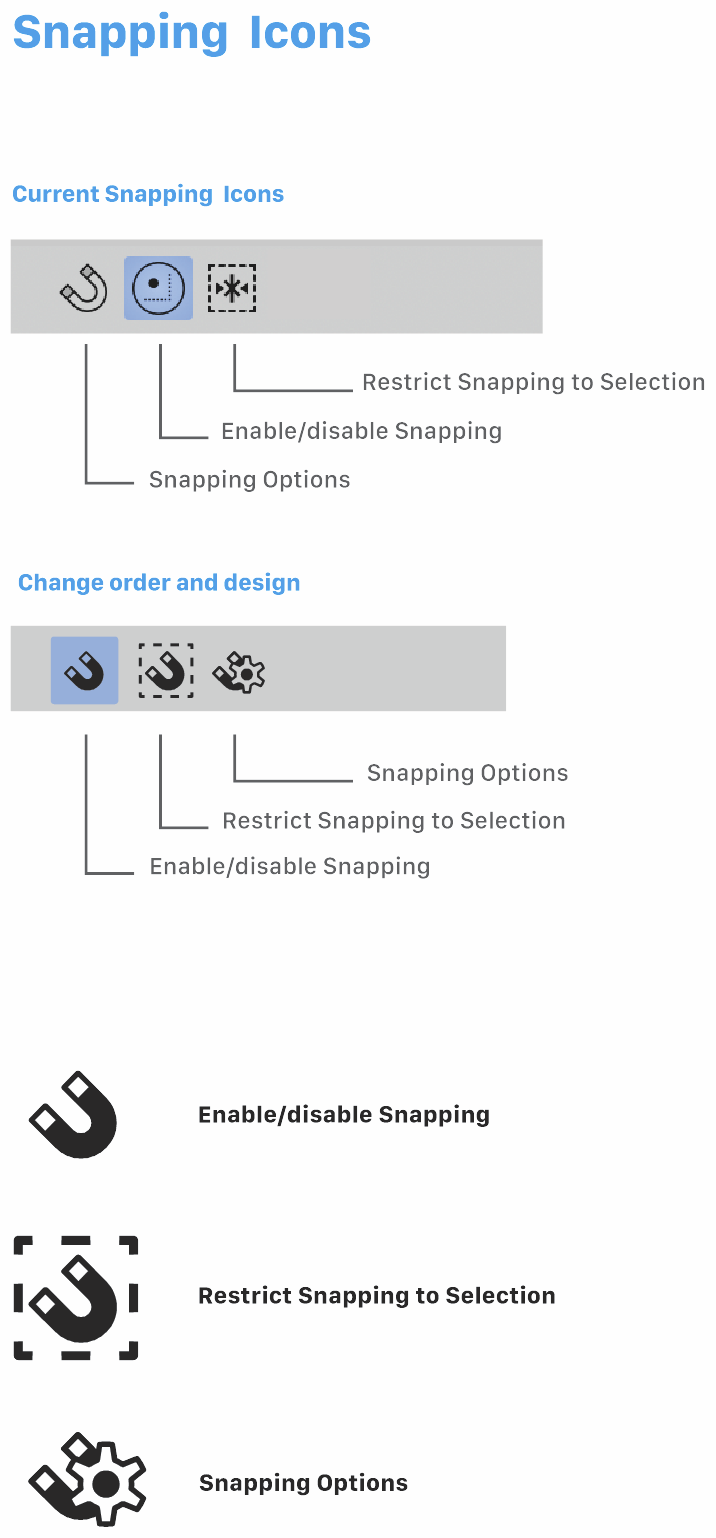
  • Trouble with Snapping Icons

    Moved
    3
    1
    3 Votes
    3 Posts
    3k Views
    S
    @Ayo cool, like them
  • Pen tool icon/pointer

    Moved
    3
    0 Votes
    3 Posts
    4k Views
    B
    @VectorStyler this will be difficult because when I click outside the VS workspace, I get the correct icon (which may disappear but always comes back)... I mentioned this issue because I thought it was permanent but it ends up working... so, weak prority to that
  • Did the brush width indicator change? I don't see a difference

    Moved
    13
    2
    0 Votes
    13 Posts
    12k Views
    BoldlineB
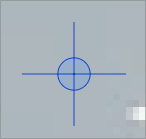
    ok maybe I'm all set - I've updated the build since then and the icon for the path brush and eraser are both the current circle with brush inside and no longer the elongated cross hairs. Maybe I need to play around with it more but the two settings do not seem as different anymore from one another. I will test it more and get back to you
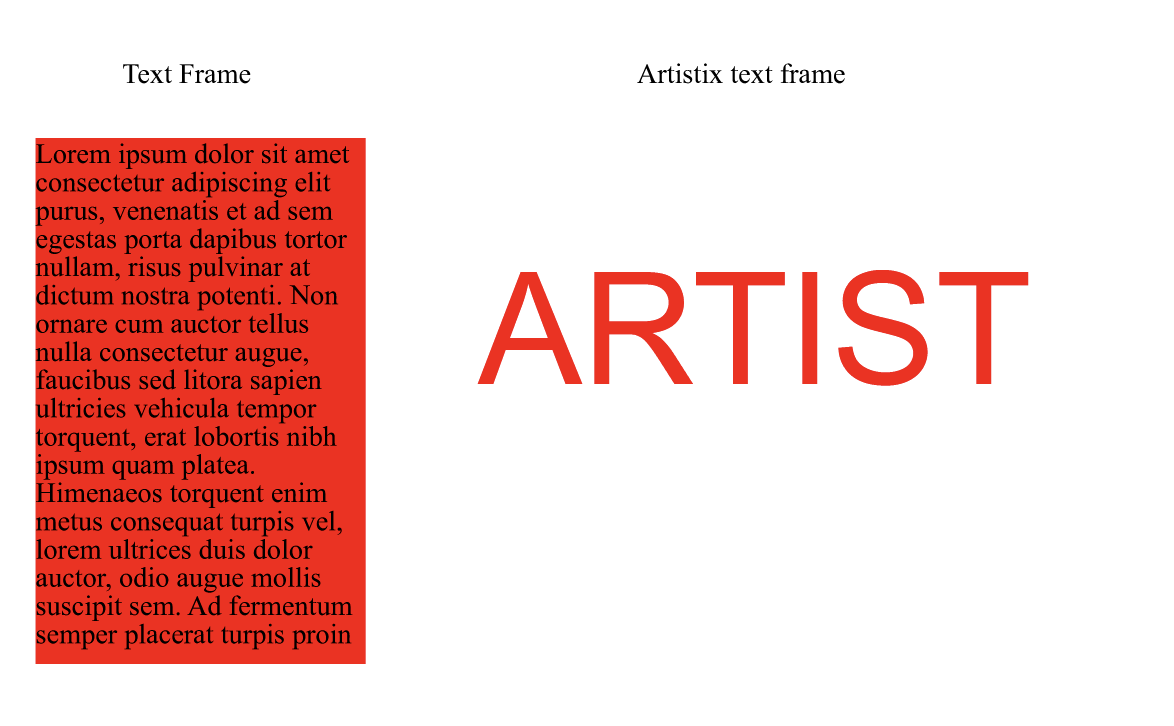
  • Serif Font while font selector says Arial

    Moved
    2
    1 Votes
    2 Posts
    3k Views
    VectorStylerV
    @Ayo Added this to the backlog.
  • Contour stroke: bug?

    Moved
    3
    6
    0 Votes
    3 Posts
    3k Views
    B
    @VectorStyler I have already forwarded the file to you previously if you want to test it
  • Artboard Label Settings

    Moved
    6
    1
    1 Votes
    6 Posts
    6k Views
    F
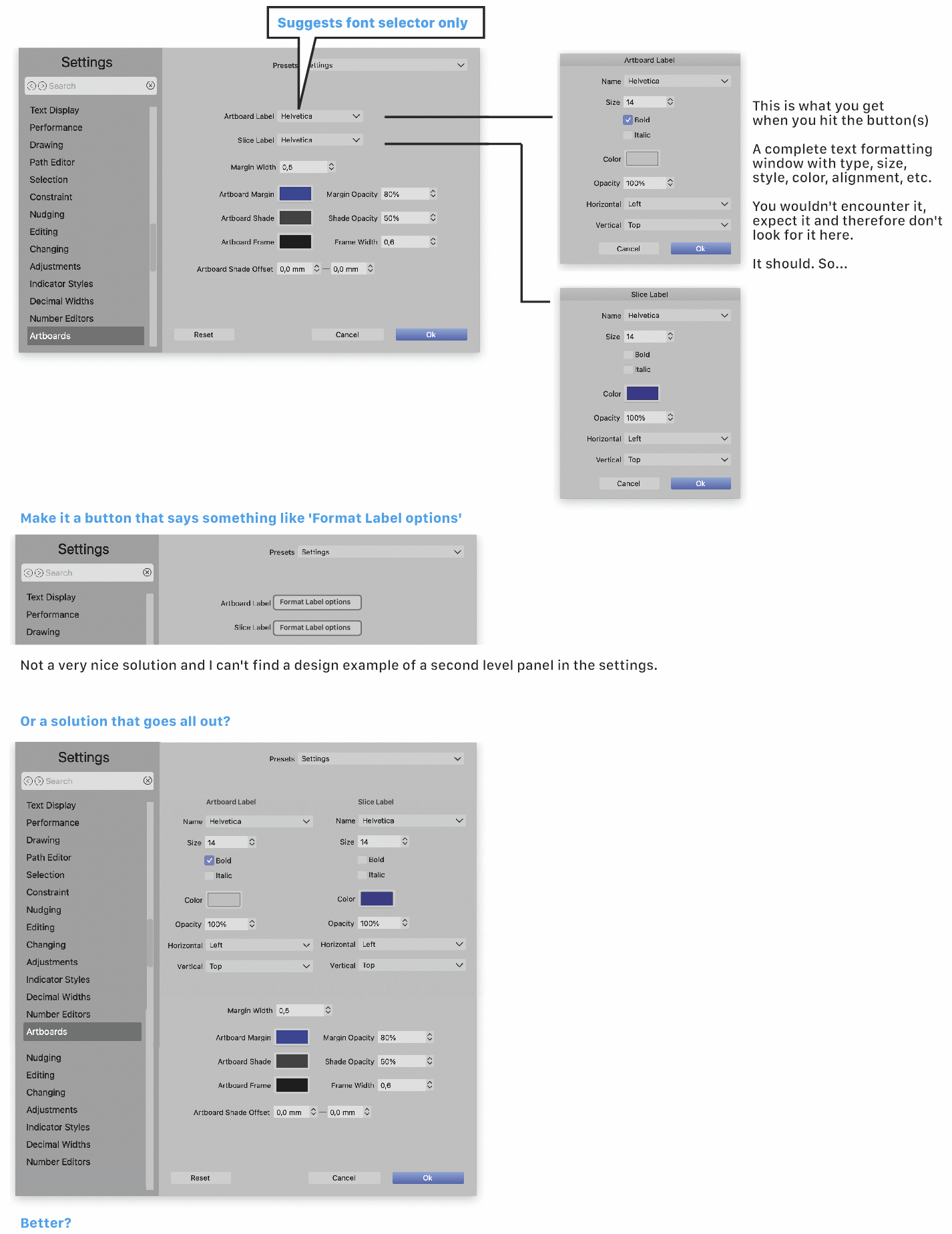
    Suggest putting the options in tabs on the right side - "Sizing", "Appearance", "Artboard Label", "Slice Label" perhaps? As long as there are only a few, logically organized tabs in a section that is still a logical and accessible way to organize these. Just need to be careful that it doesn't get out of control and lead to one of the three cardinal sins of tabbing: scrolling tabs, multiple rows of tabs or tabs within tabs.
  • after installed beta 1.2004, 1.2002 still there

    Moved
    3
    1
    0 Votes
    3 Posts
    3k Views
    S
    @VectorStyler The thing is that it wasn't installed in a different folder. But as always in the Vectorstyler folder. But it's not a big problem. Just wanted to report it.
  • New release - doesn't install

    Moved
    9
    1
    1 Votes
    9 Posts
    9k Views
    B
    Yes indeed, I had also allowed the "repair" of VectorStyler the first time not knowing what to do, and the complete installation succeeded after the fix of the beta version.
  • Should the live text blue line extend beyond the word?

    Moved
    4
    1
    1 Votes
    4 Posts
    4k Views
    VectorStylerV
    @Boldline @b77 I opened a bug on this one.
  • Number Editing issue

    Moved
    4
    1
    0 Votes
    4 Posts
    4k Views
    VectorStylerV
    @Ayo said in Number Editing issue: Checked it again and it works! Don't get it. Could be that after opening the slider popover, it does not react to the first click.
  • Pencil tool keeps selection longer than necessary

    Moved
    2
    0 Votes
    2 Posts
    3k Views
    VectorStylerV
    @Boldline Yes, this is a "highlight" indicator for shape drawing. It shows that those objects are still selected.
  • Scaling objects

    Moved
    2
    1
    1 Votes
    2 Posts
    3k Views
    VectorStylerV
    @Kumr thanks for reporting this. it can be replicated here also. it is caused by the large corner size at small rectangle size. I opened a bug on this one.