• Align to Shape does not work as expected

    5
    4
    0 Votes
    5 Posts
    5k Views
    S
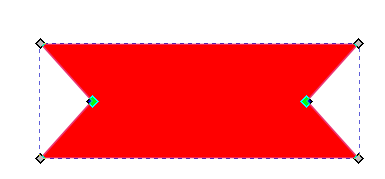
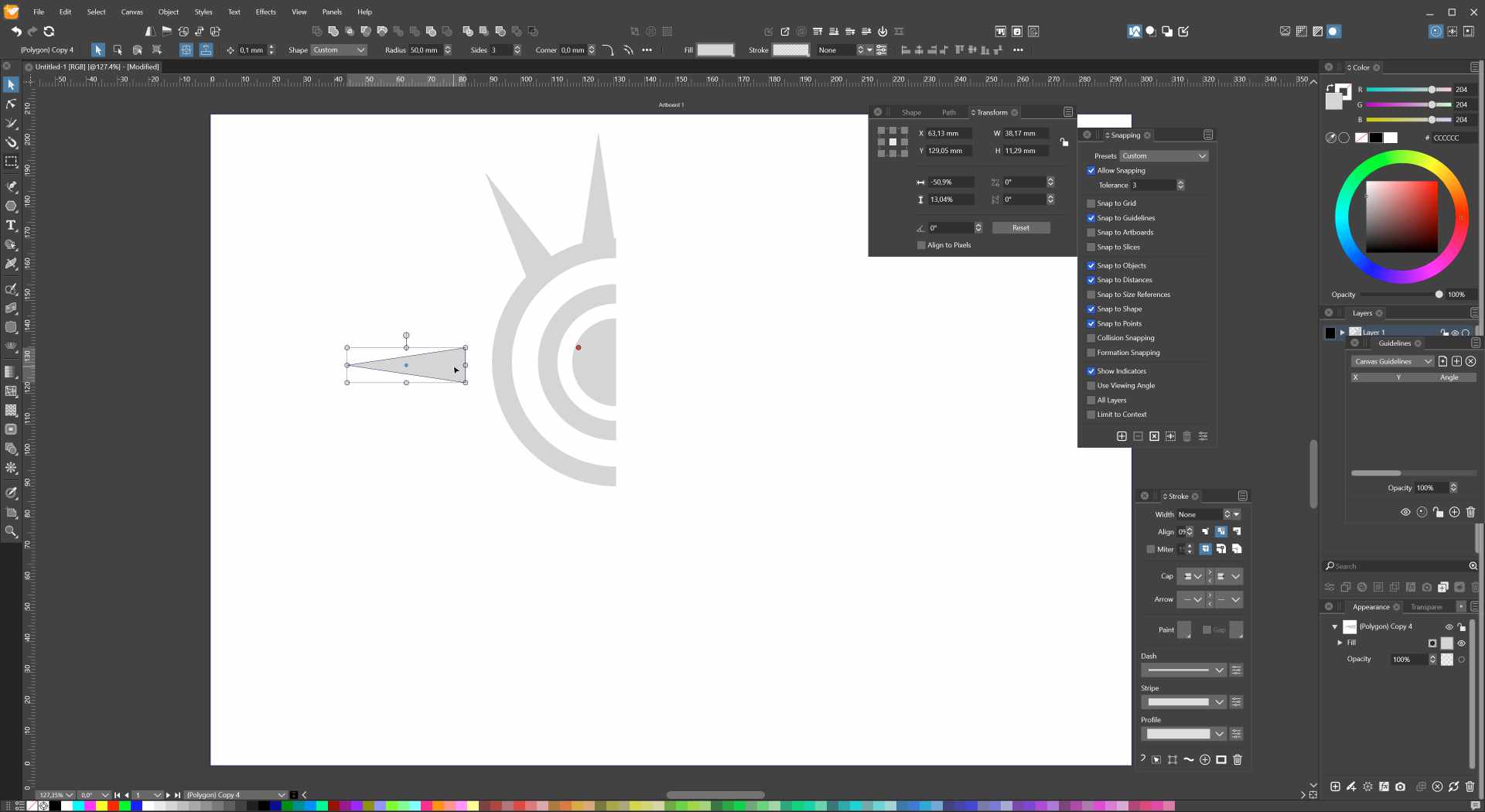
    @VectorStyler works after convert to curve put i miss this Part here [image: 1669801829205-missing-part.png]
  • Repeat Move of nodes

    2
    0 Votes
    2 Posts
    3k Views
    VectorStylerV
    @Raven said in Repeat Move of nodes: then select other node/s and choose Repeat Move, the nodes move by the amount of the earlier object movement I think this might be a bug. I will try to replicate it and find a fix ASAP.
  • How do I switch back to text size preview when dragging with text tool?

    3
    0 Votes
    3 Posts
    3k Views
    BoldlineB
    @b77 said in How do I switch back to text size preview when dragging with text tool?: That option enables text size preview when dragging and it's not working. ok - yes then we're on the same page. I wanted to be sure it was not just me who was having issues with it. Also wanted to be sure @VectorStyler was aware of the issue. thanks https://recordit.co/wWWD7odBwV
  • Improved Context menu bar

    2
    0 Votes
    2 Posts
    3k Views
    VectorStylerV
    @Jayanta-Das Some attribute options are only shown if there is a selected object.
  • 0 Votes
    4 Posts
    4k Views
    VectorStylerV
    @Boldline Probably this problem existed before. The "Transform" is added to the text if it is scaled. But when converting to curves, it should keep the positions. Can this be replicated with the example sent by email?
  • Can merge nodes at center handle more than 2 nodes?

    3
    0 Votes
    3 Posts
    3k Views
    VectorStylerV
    @Boldline I will try to figure out how to make this work with more than 2 nodes.
  • Shift modifier for pulling node in single direction?

    2
    0 Votes
    2 Posts
    2k Views
    VectorStylerV
    @Boldline When multiple nodes are selected, this should work. For a single node, it depends on other modifier settings.
  • How to open multi page PDF on one canvas?

    8
    3
    1 Votes
    8 Posts
    11k Views
    VectorStylerV
    @Harry Yes, pages are overlapped in this one. I will try to fix this as soon as possible.
  • Easy way to switch from a shape with two node points to one

    8
    2
    0 Votes
    8 Posts
    7k Views
    B
    @VectorStyler ... and -at least on this test- the corner editor tool works very well ! you may not see it here but at the beginning, it was a rectangle which I rounded the corners [image: 1669651938534-cap-resized.jpg]
  • Could we reduce magnetic strength in half?

    2
    1
    0 Votes
    2 Posts
    2k Views
    VectorStylerV
    @Boldline Will do so!
  • Moving clipped objects changes their shape

    3
    3
    0 Votes
    3 Posts
    3k Views
    B
    @VectorStyler File sent.
  • Stroke mitre/overlap question

    6
    1
    0 Votes
    6 Posts
    5k Views
    G
    Success. Excellent, thanks.
  • Object with two strokes, how to convert to curves ?

    3
    2
    0 Votes
    3 Posts
    3k Views
    VectorStylerV
    @Pat Edit the stroke attributes or the shape? The stroke attributes can be edited in the Appearance panel: [image: 1669476567968-stroke.png] The shape cannot be edited separately. For that we instead should use the Offset Path live shape effect, and then convert to curves.
  • Transform Pivot Point Snapping

    4
    0 Votes
    4 Posts
    4k Views
    VectorStylerV
    @Igull said in Transform Pivot Point Snapping: I wonder if there is a preference on this that I might be missing No preference for this. I will try to find out what is the issue.
  • Distribute/Align Shapes Help

    10
    0 Votes
    10 Posts
    8k Views
    IgullI
    @VectorStyler
  • Object Style Preset

    6
    1
    0 Votes
    6 Posts
    5k Views
    J
    @VectorStyler Yes its fill was set to zero, thats the effect I wanted. As I said after saving as preset I had tested the preset by applying to other shape and it was working ok.
  • Increasing the range of keyboard shortcuts by adding more keys

    4
    0 Votes
    4 Posts
    6k Views
    F
    Suggest looking to WordStar for inspiration.
  • New document setup - Why duplicates of the same data/parameters?

    5
    1
    0 Votes
    5 Posts
    5k Views
    B
    @VectorStyler Well, I understand. In this case, why not remove the redundancies in the "Artboard options" window? It can be confusing to have all these different ways of changing/adjusting the same parameters whatever they are. It's not an issue, but at the beginning you always wonder if they are exactly the same settings.
  • does it make sense to have a zero width path brush stroke?

    2
    0 Votes
    2 Posts
    3k Views
    VectorStylerV
    does it make sense to have a zero width path brush stroke? No, not really, but there needs to be a lower limit.
  • Why can't I permanently change the colour panel to "RGB sliders"?

    6
    1
    0 Votes
    6 Posts
    5k Views
    B
    @VectorStyler I will finish a drawing and I'll send you the file. You can then test colour gradient changes with the "undo" function.